📢 Our warehouse will observe a Chinese New Year holiday period from Feb 15–18.


Sign in
If you do not have an account, click Create AccountCreate Account
By entering infinitymist.com, you confirm that you are at least 21 years old.
Some items are no longer available. Your cart has been updated.

This discount code cannot be used in conjunction with other promotional or discounted offer.
Redeeming your points is quick and easy. Just follow the steps below to turn your rewards into savings on your next order.
After entering our website, you’ll see a green “Rewards” floating button in the bottom-right corner of the page.
This button is visible on every page of our store
Available on both desktop (PC) and mobile devices
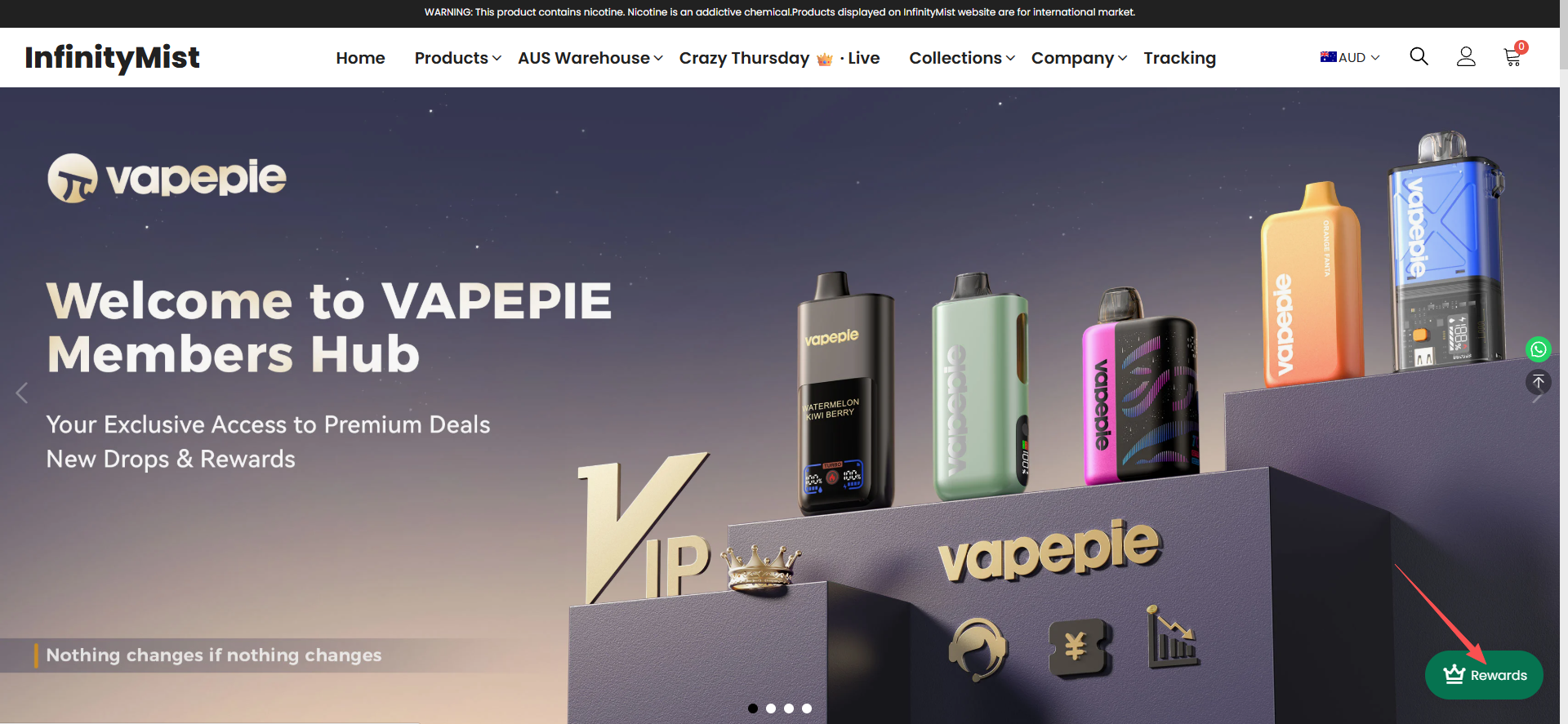 Button location on PC
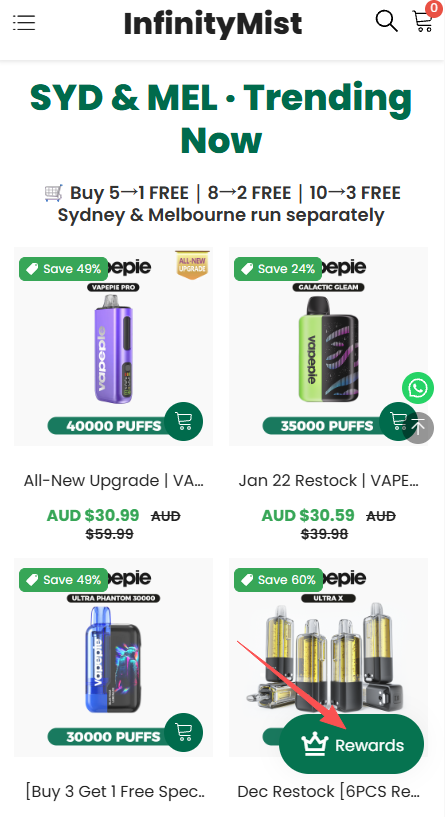
Button location on mobile
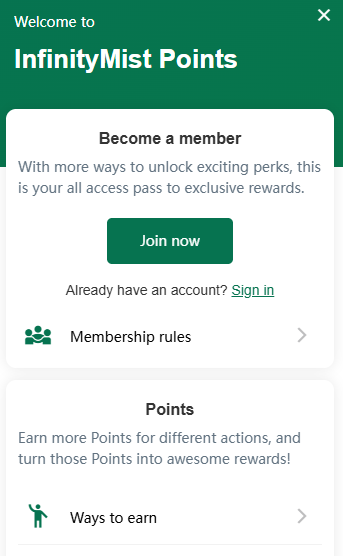
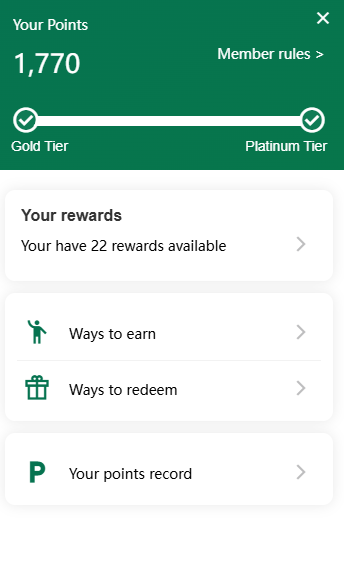
Click the green “Rewards” button to open your rewards panel.
Once logged in, you’ll be able to see:
Your current points balance
Your membership level
The total number of rewards available in your account
Rewards – redeemed coupons
Ways to Earn – how to get more points
Ways to Redeem – available rewards you can exchange points for
Your Points Record – a detailed history of points earned and used
⚠️ Important:
If you are not logged in, this information will not be displayed
Points earned from orders will only be credited to your account if you are logged in when placing the order
Click “Ways to Redeem” to view all available rewards.
Choose the reward you want and redeem it using your points—it’s that simple.
All redeemed rewards are issued as discount coupons and automatically saved to your account.
When placing an order:
Go to checkout
Select the corresponding reward coupon
Apply it to enjoy your discount
No extra steps needed 🎉
If you ever need help with points or rewards, our support team is always happy to assist.
Enjoy earning and redeeming your rewards! 💚
The InfinityMist Team
Comment